
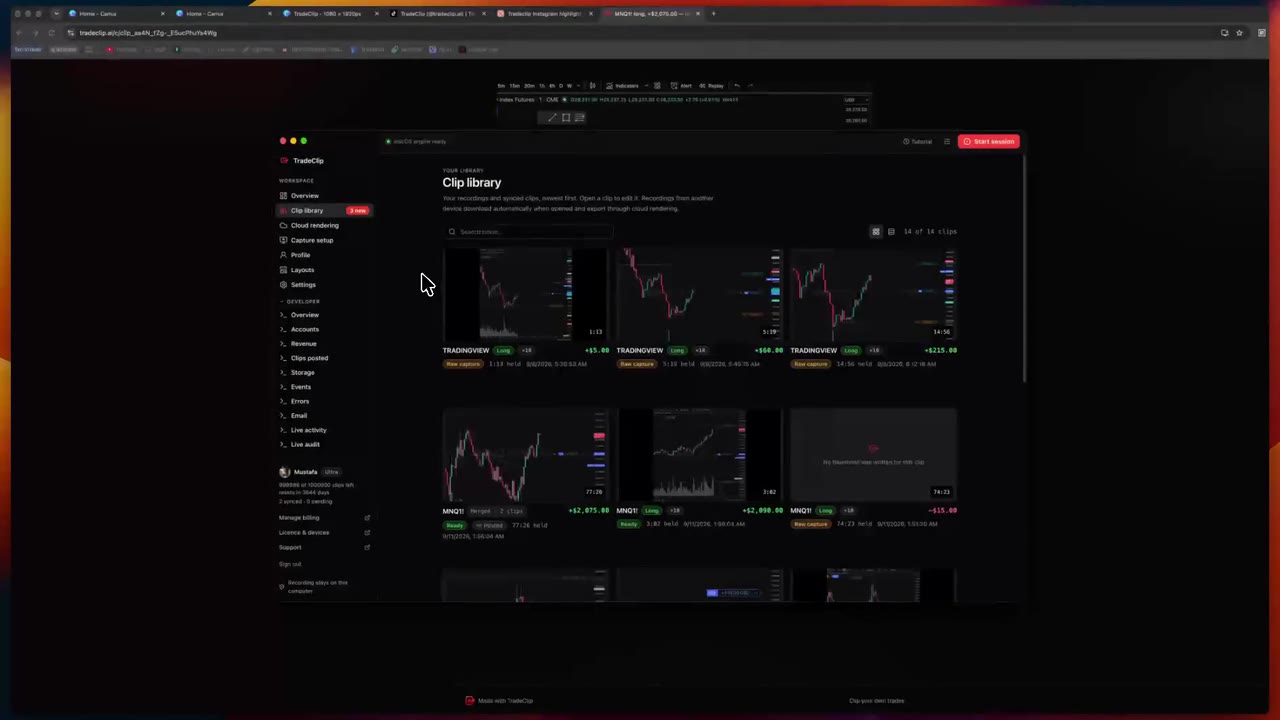
Every trade, its own clip.
A desktop app that records each of your trades while you trade — and hands you a clip that is ready to post.
The TradeClip toolkit
Record the trade. Find your moment. Make it yours. Everything you need to turn your trading into something worth sharing.
Windows x64 · macOS 13+ on Apple Silicon · All downloads
7-day free trial, no card required.
Works with the charting and broker windows you already use. Records from your screen. Never needs your broker credentials.
A desktop app that records each of your trades while you trade — and hands you a clip that is ready to post.
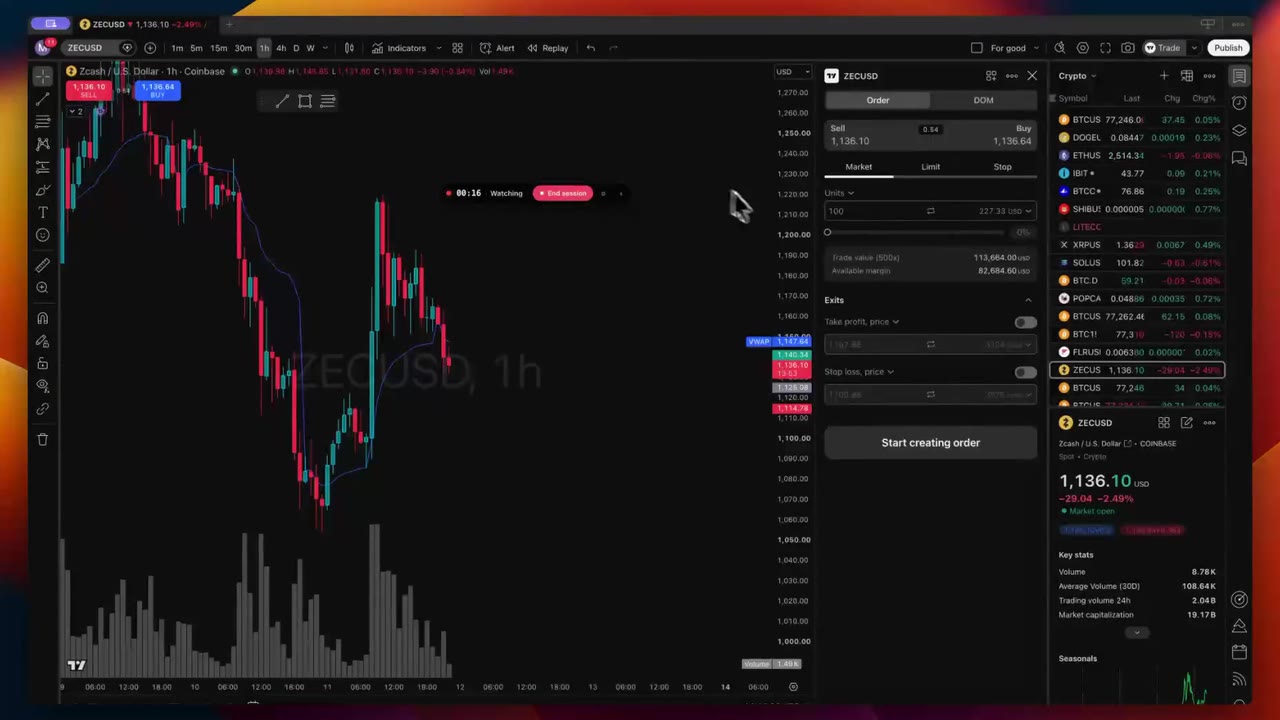
TradeClip watches your broker window, starts when you enter and stops when you're flat. No hotkeys, no six-hour files.
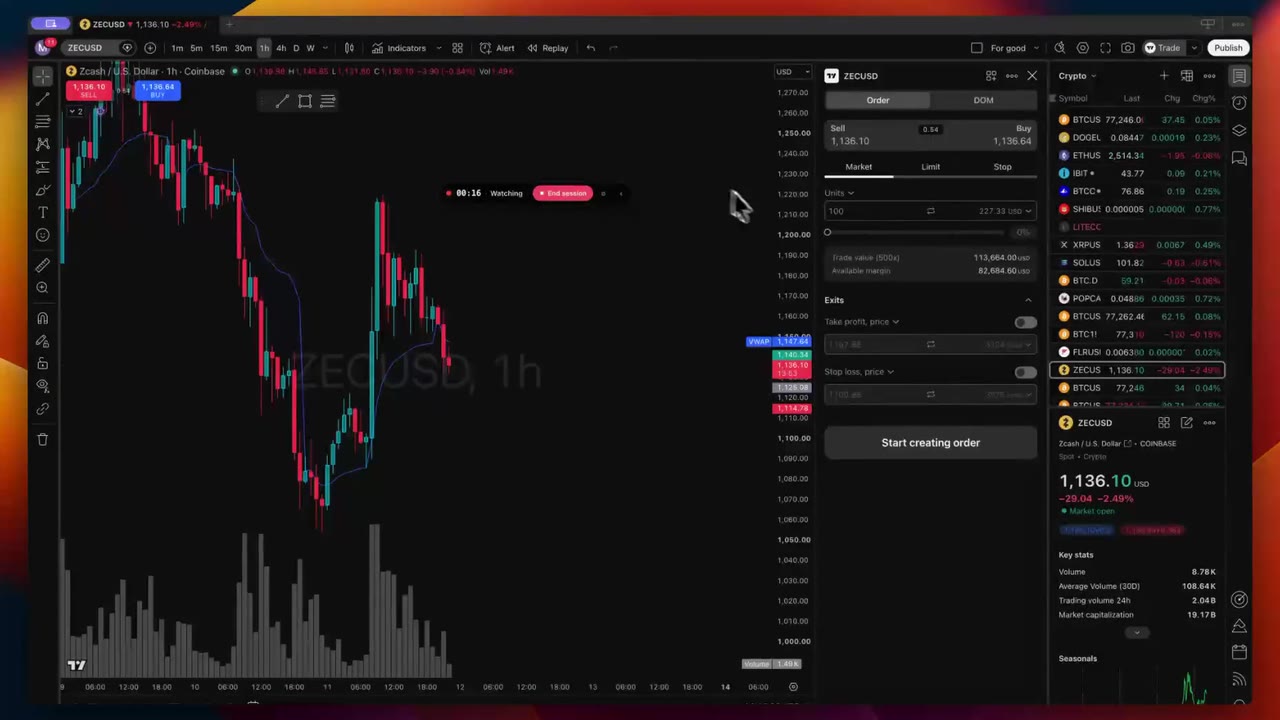
TradeClip reads your broker window visually — entry, adds, partials, exit. Recording starts and stops with the position.
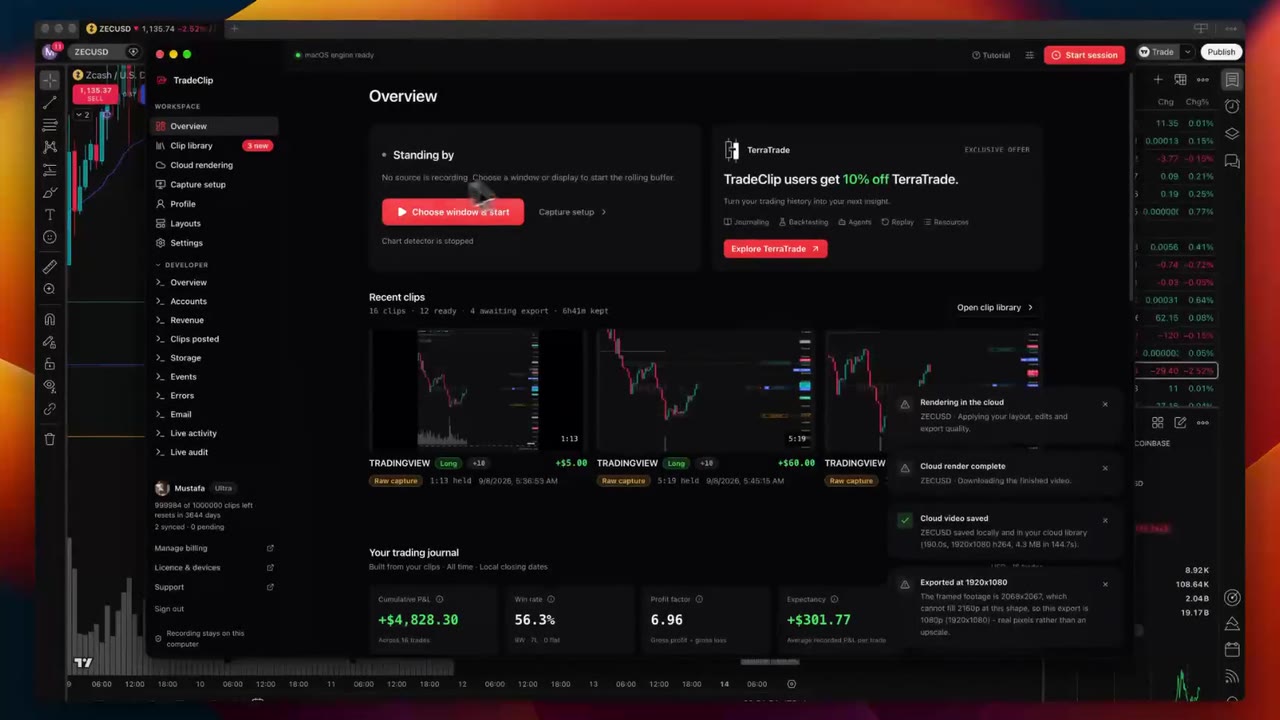
Tell it when you trade and TradeClip arms itself for the session — every day, without you opening anything.
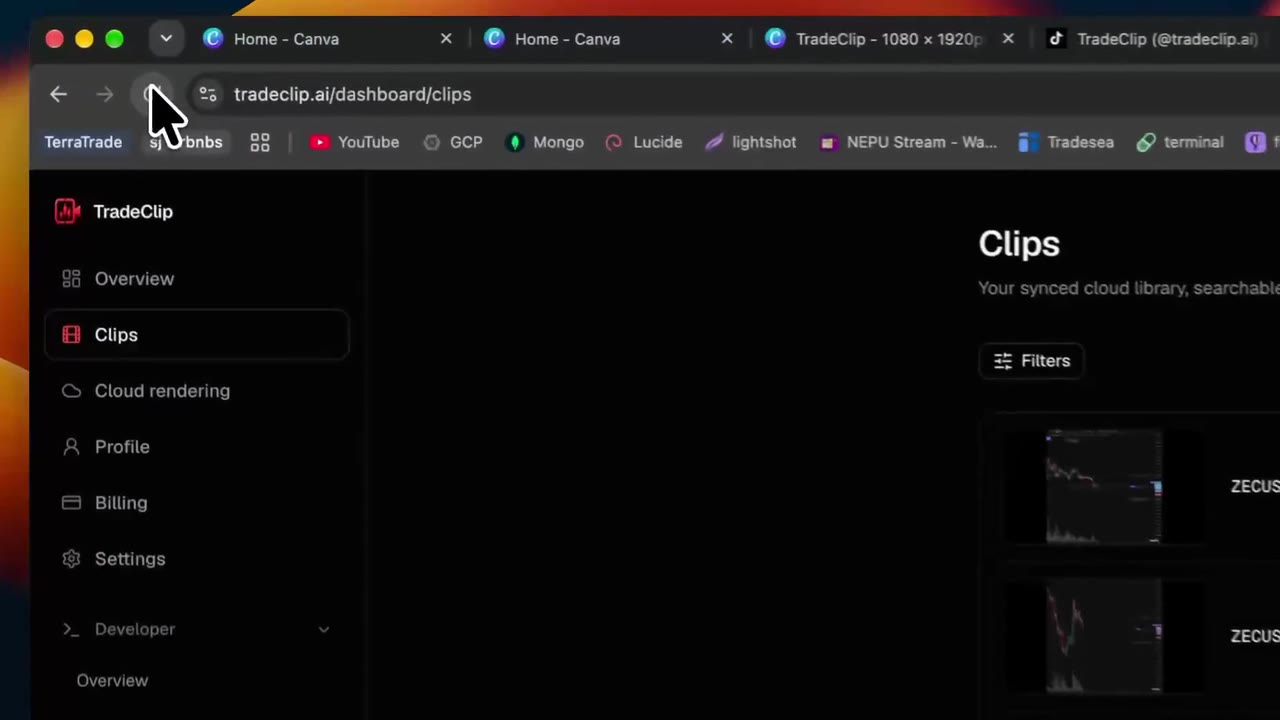
Turn on cloud sync and everything the desktop app records is in a library you can open from any browser you log in from.
Symbol, direction, entry, P&L and length sit on the clip — so you find the one you want to post without opening a file.
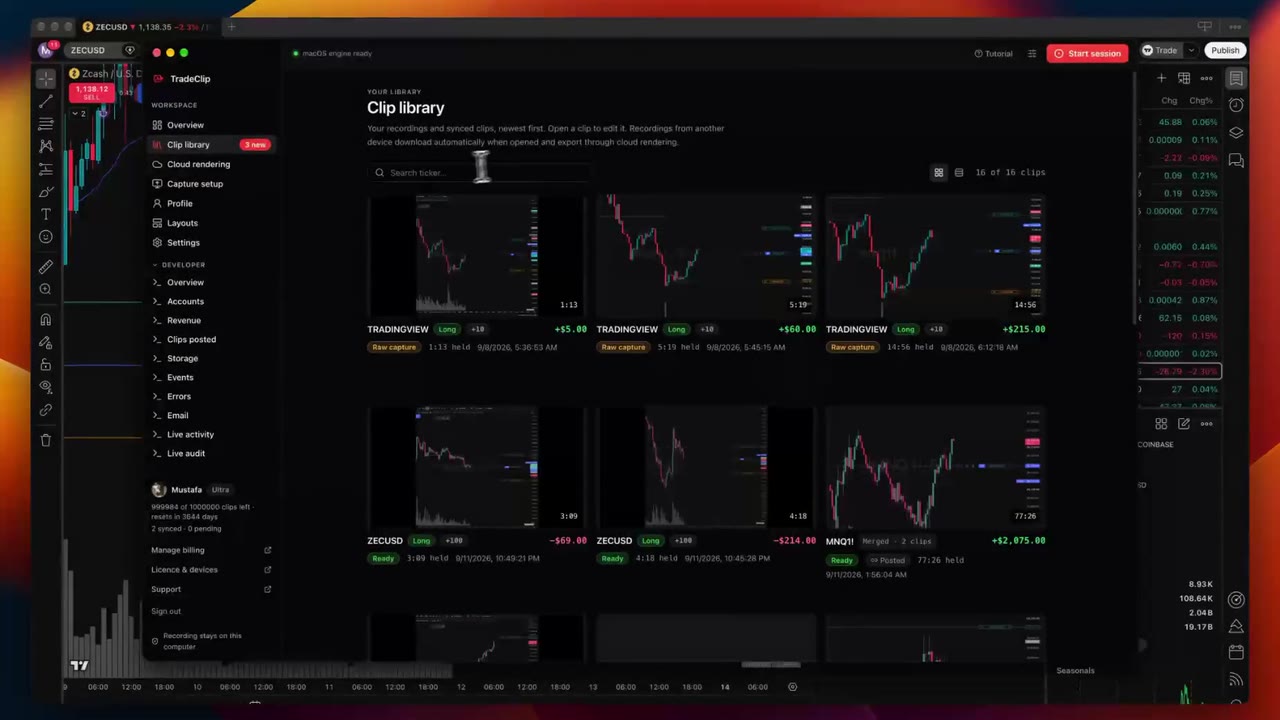
Pull up every MNQ short from Tuesday, or just your green days. Your tape becomes something you can actually query.
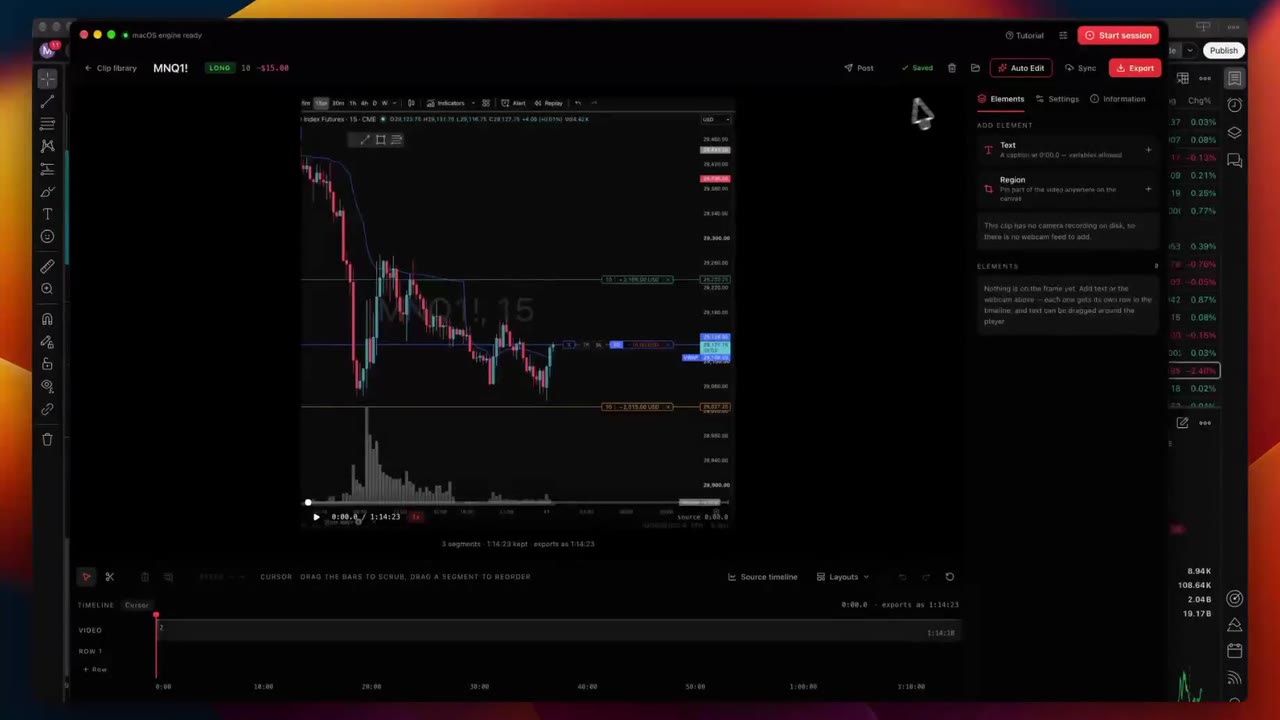
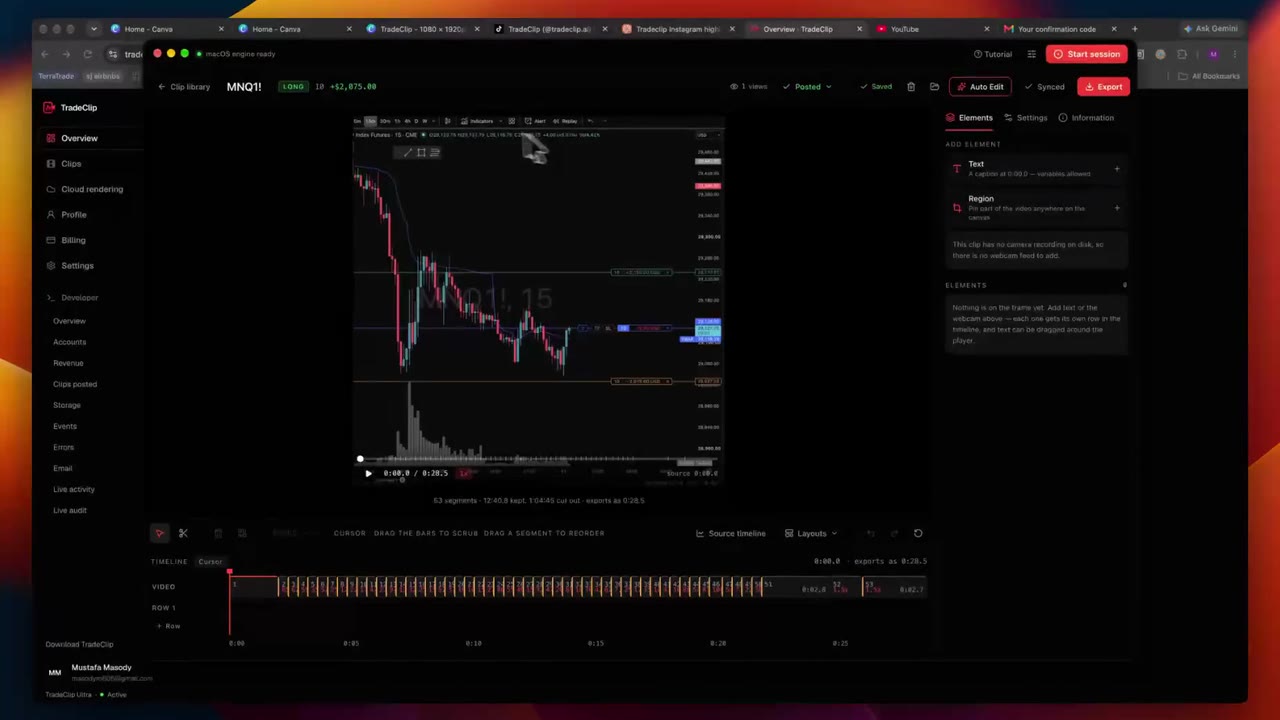
Point Auto Edit at a long trade, pick a target length, and get back the version worth watching.
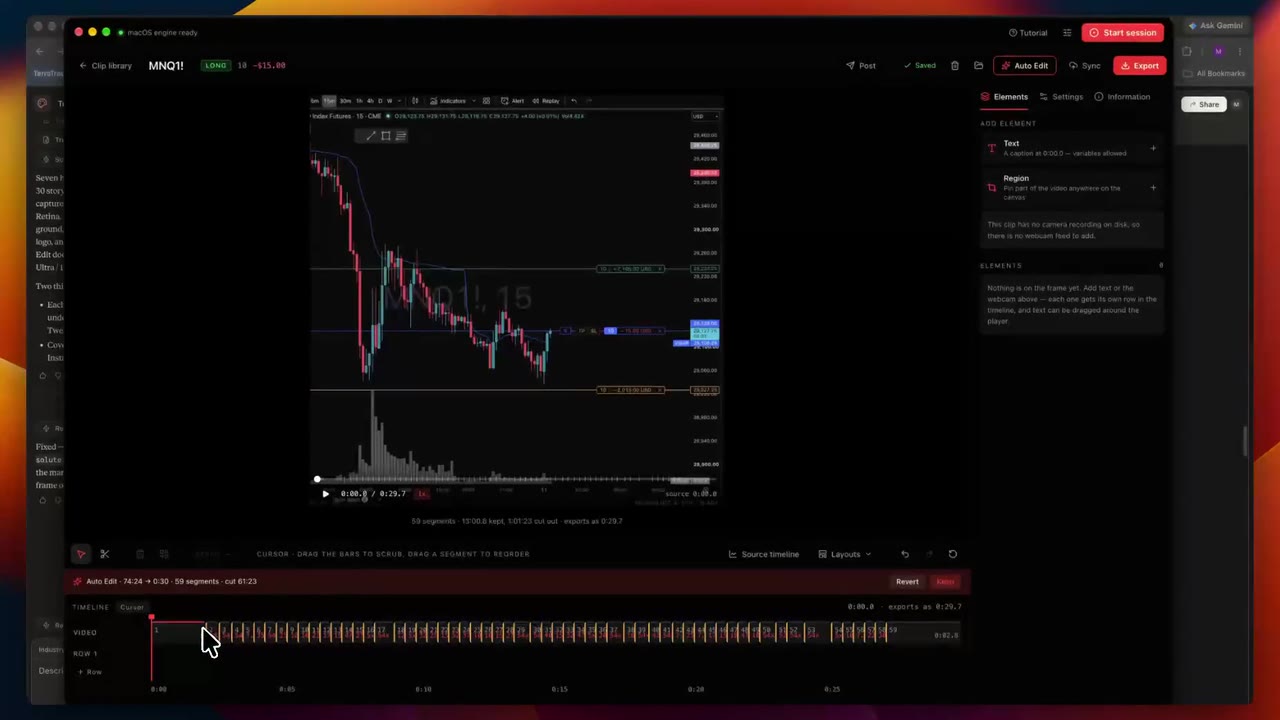
It reads one-second bars for your exact contract, so quiet chop gets compressed and the stop scare gets slowed down.
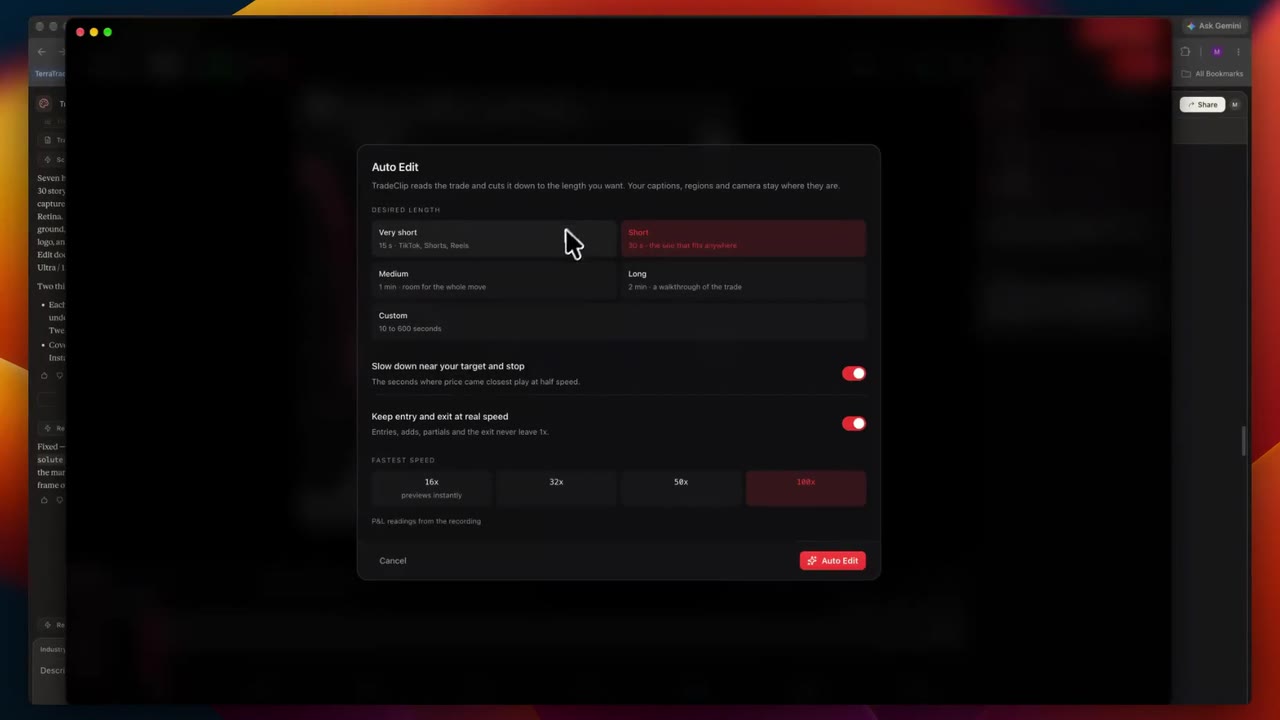
Same trade, cut for the feed you're posting to. Change the number and the edit re-plans itself.
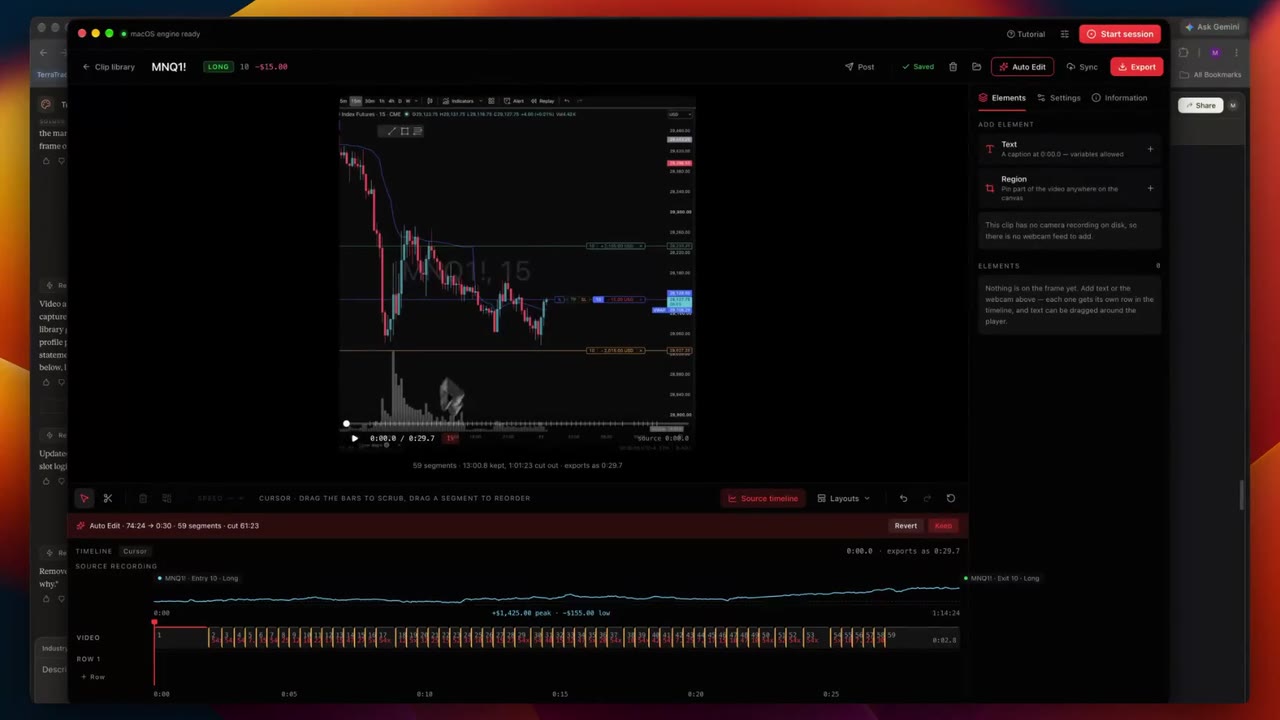
Split, delete and re-speed any stretch from 0.25× to 20×, on the source timeline, without touching the raw file.
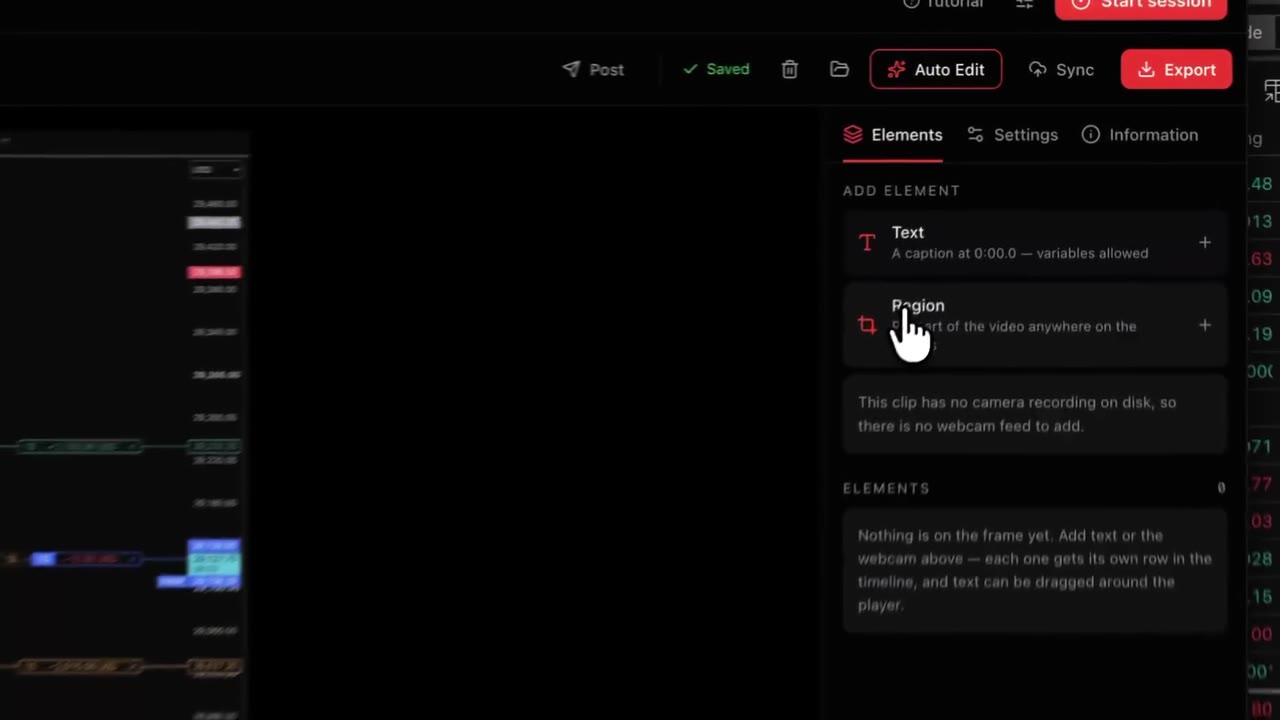
Pull a vertical crop out of a wide chart, push in on the entry, and keep it sharp — the export renders from the original.
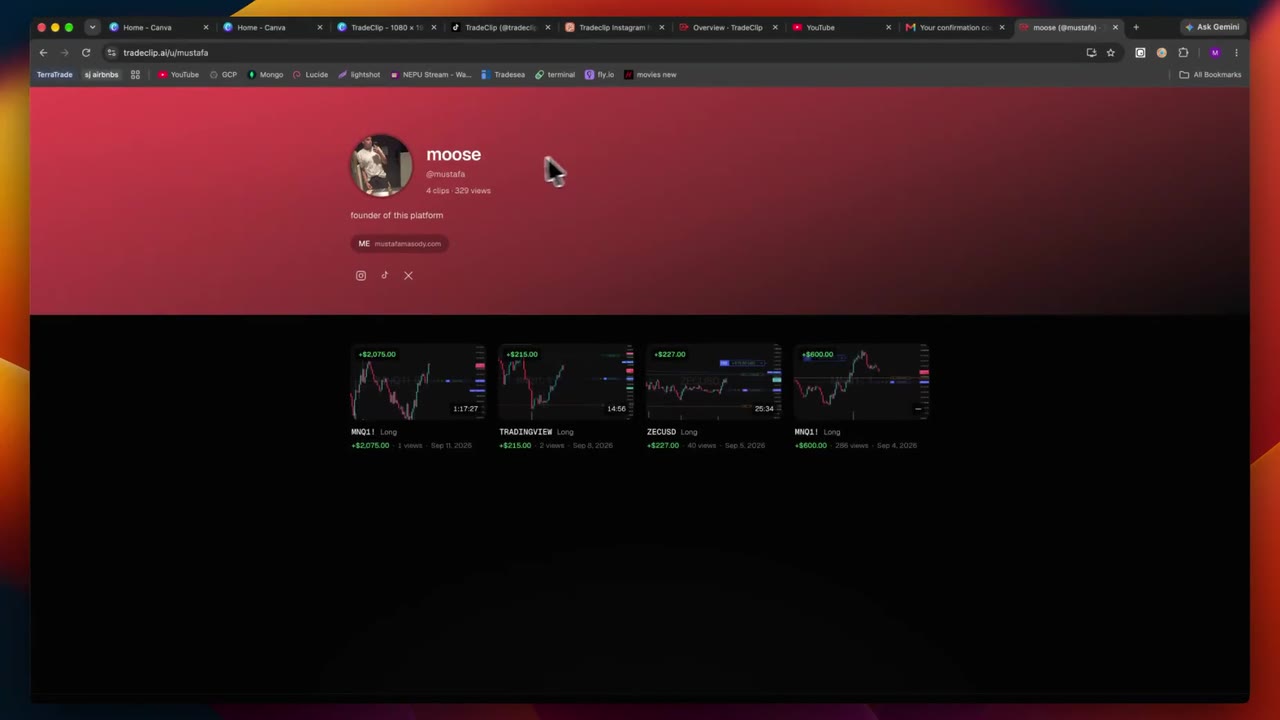
A public profile page that holds your clips — send it to a prop firm, a Discord, or put it in your bio.
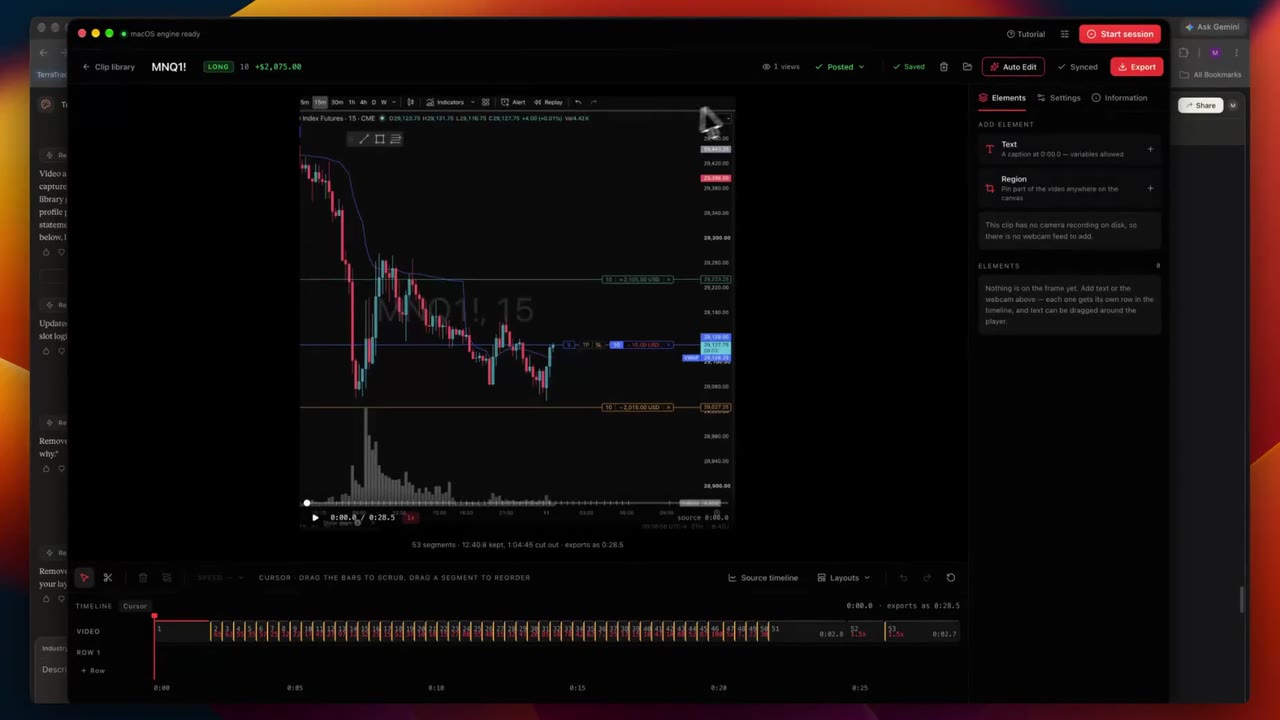
Finish an edit and publish it to your profile in the same window. No export folder, no re-upload.
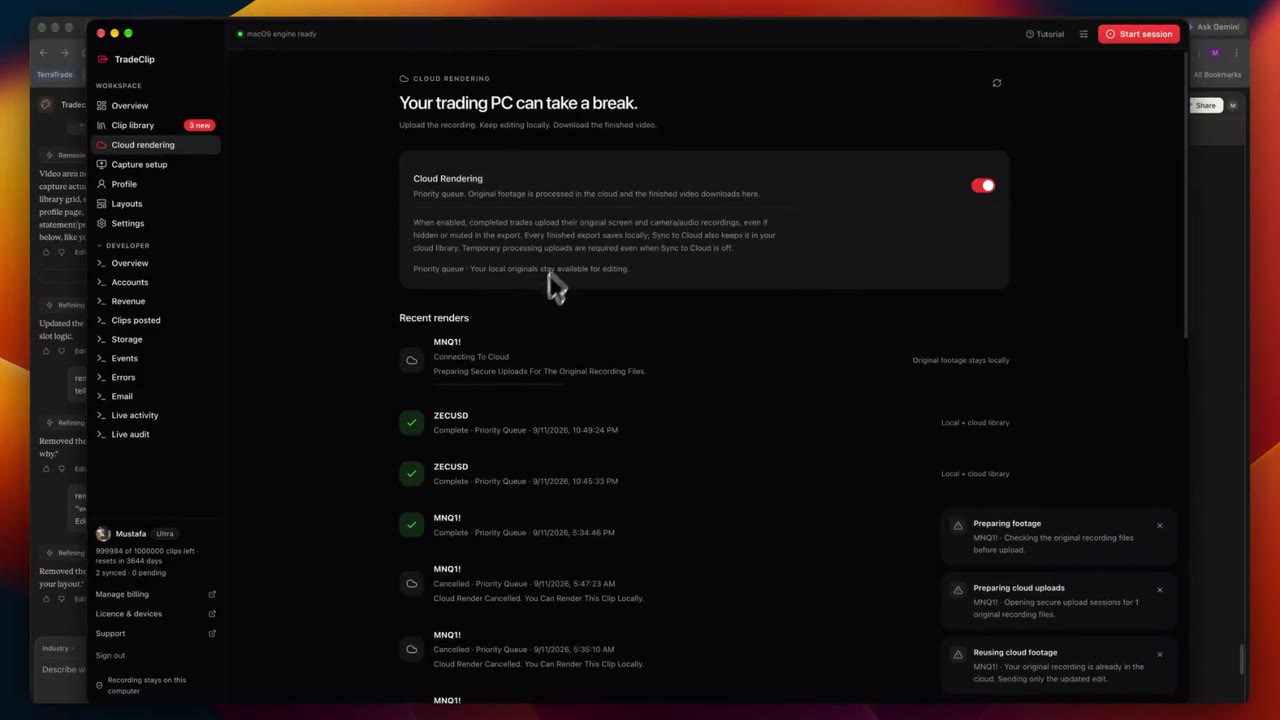
Hand the export to our machines and walk away. The finished clip lands in your library when it's done.
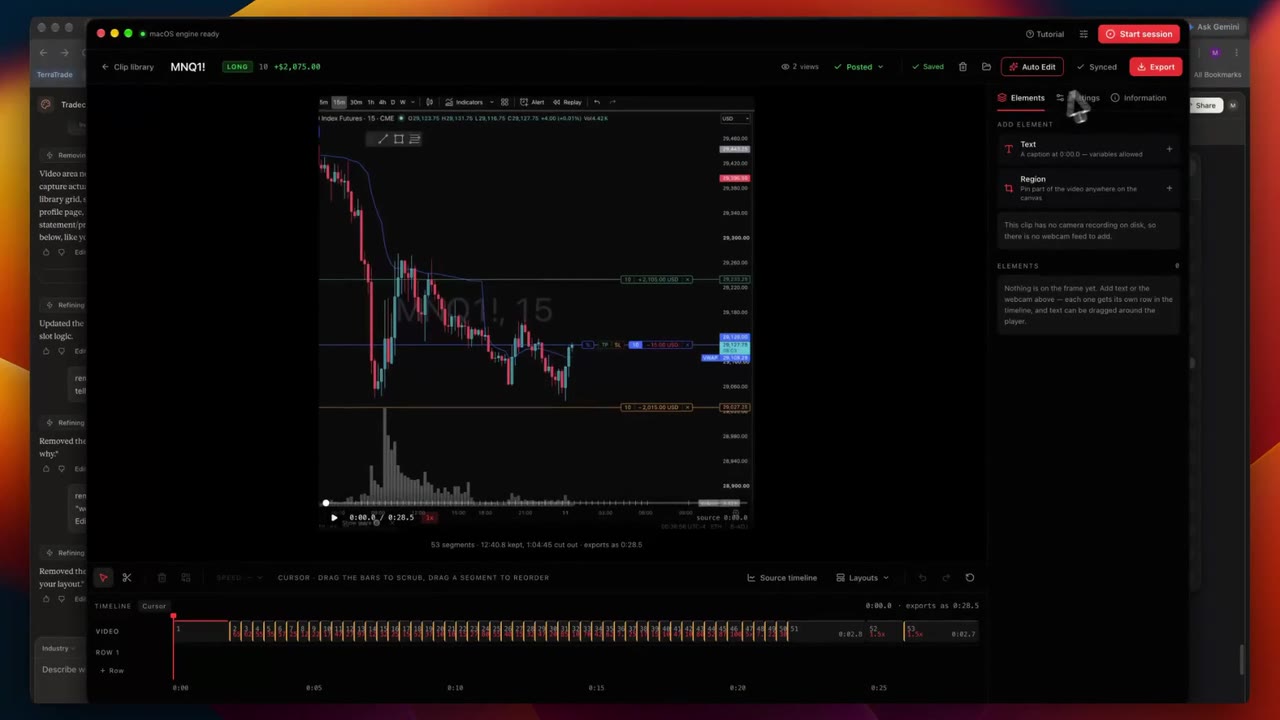
The same edit plan runs in the cloud — cuts, speeds, layout and overlays come out identical to the local preview.
Manual clipping vs TradeClip
Not a promise about outcomes. Just the steps.
| Task | Manual | TradeClip |
|---|---|---|
| Starting a recording | Press record before the trade, or record the whole session and hope you remembered. | Rolling capture runs during your trading hours. Nothing to press. |
| Finding the trade in the footage | Scrub through the session to find the entry and the exit. | Each trade is already its own clip, with entry, add, reduce and exit markers. |
| Trimming | Cut the head and tail by hand in an editor. | Pre-roll and post-roll are set once; trim only if you want to. |
| Overlays | Type the symbol, side and P&L onto each clip. | Your layout fills them from what was on the chart. |
| Finding it later | Folder names and memory. | Search by ticker, time or P&L once cloud sync is on. |
| Broker access | Some tools want a broker login or an API key. | None. Detection reads the screen. |
| If the app is interrupted | Depends on the recorder; an unsaved recording may be lost. | Footage already written to disk is recovered on the next launch. |
Technical disclosure
The last thing you should read before installing.
Windows x64 is available as an unsigned preview for Windows 10 version 2004 or newer and Windows 11. The installer bundles the runtime and video tools; no Rust installation is needed. See the download page for the version, checksum and update details.
The Mac target is macOS 13 or later on Apple Silicon. The download page lists published Mac releases.
Recording starts on your computer. Cloud sync and cloud rendering are your choice.
7-day free trial, no card required.